Log every supervised drive in seconds.
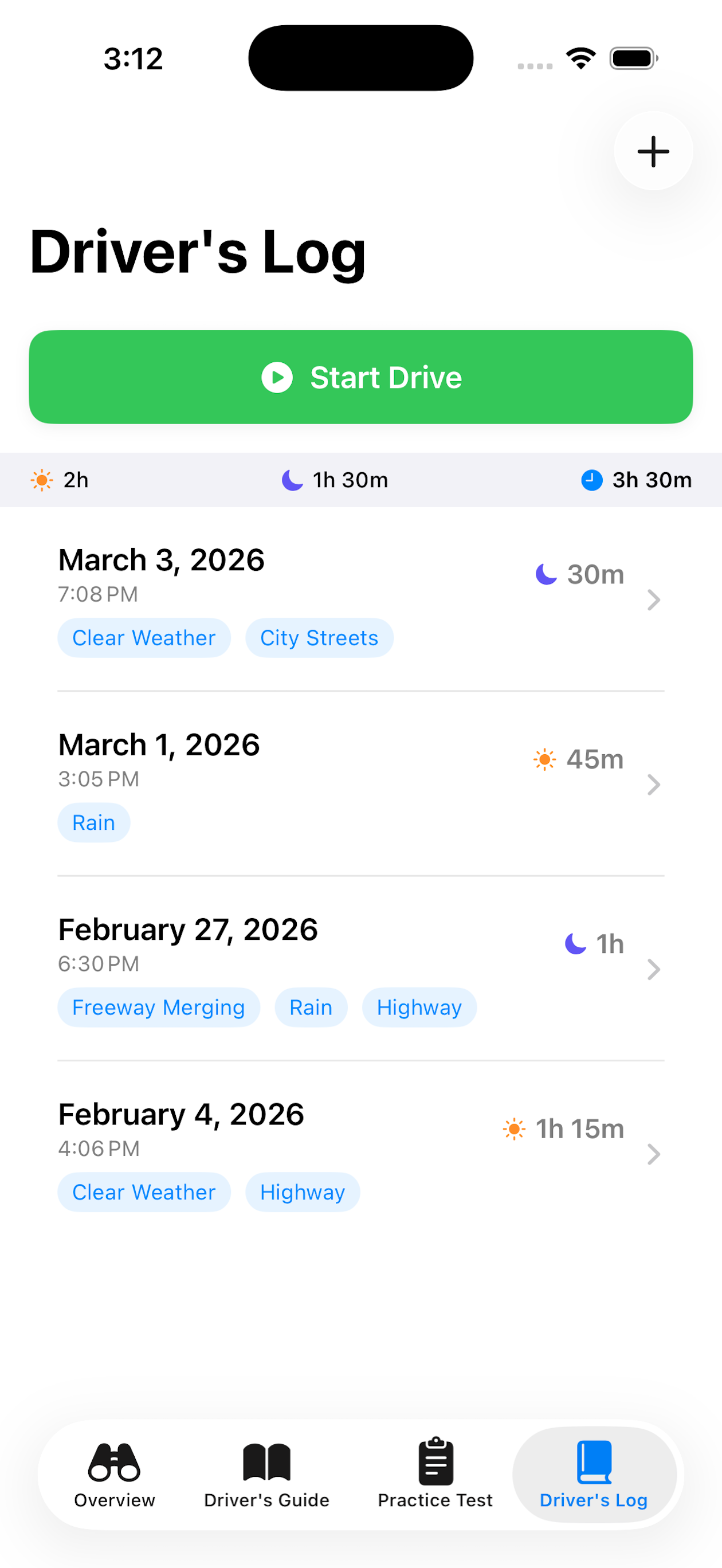
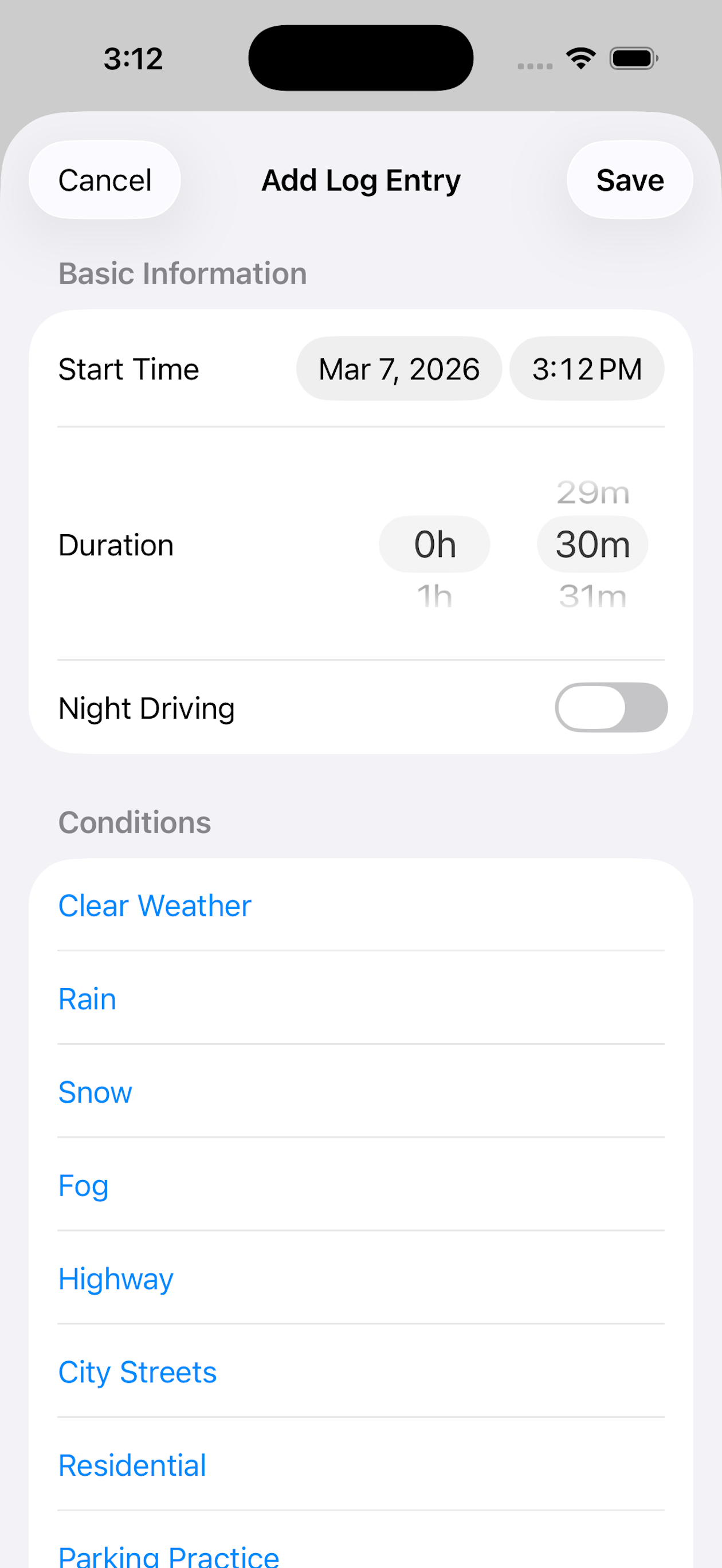
Record the date, duration, and whether it was a daytime or nighttime session — and tag the conditions each drive covered, like rain, snow, fog, highway, city streets, or residential. WA Student Driver automatically tallies your hours toward Washington's required 40 daytime and 10 nighttime hours — so nothing slips through the cracks.
New in 2.6: when you finish a timed drive, the app suggests day or night from sunset and sunrise times where you are, and you confirm it with a tap. The Night Driving switch stays editable on every drive, and your location stays on your phone.
When you're ready, export the drive log as a spreadsheet (CSV) to share with a parent or co-signer.
Life gets busy — turn on optional practice reminders for each driver and the app gives a friendly nudge when they haven't logged a drive in a few days.
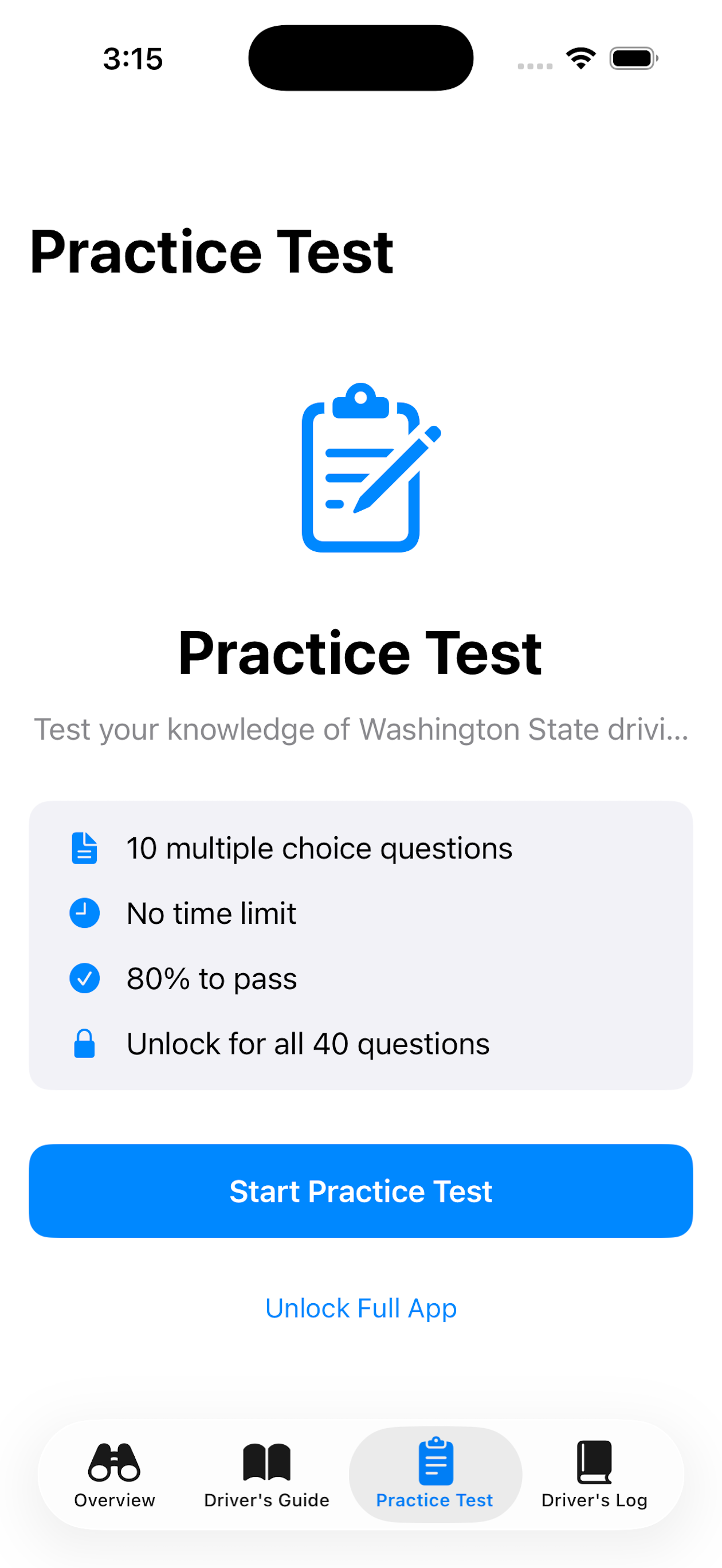
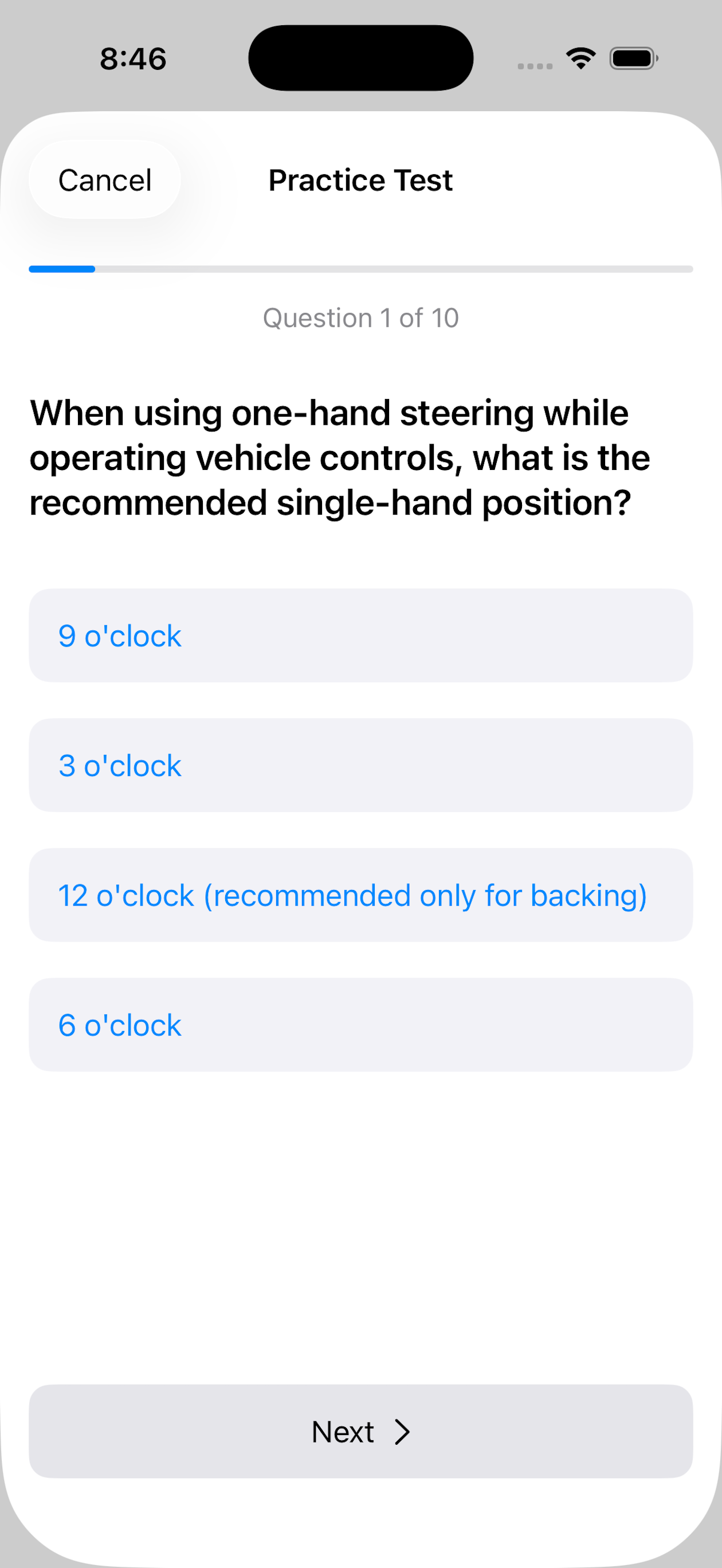
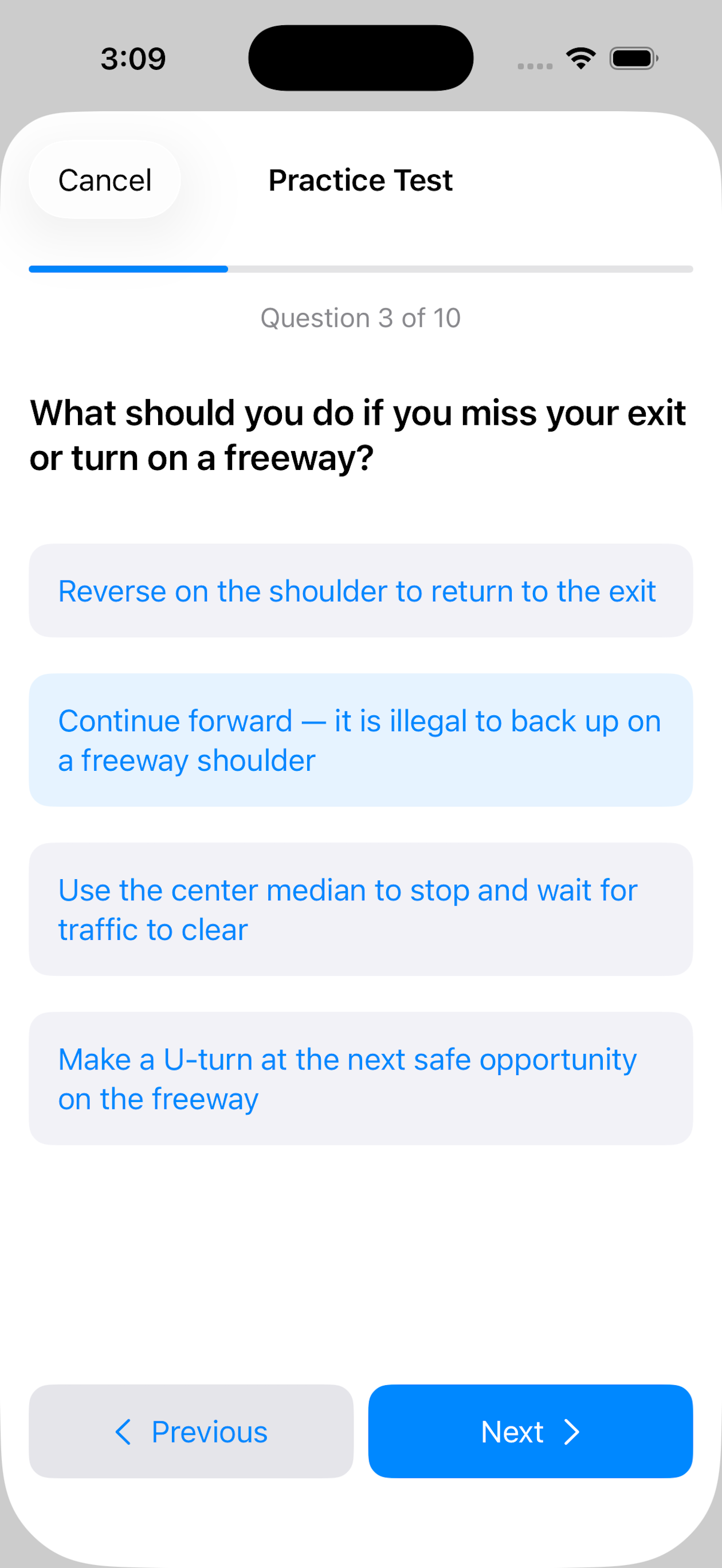
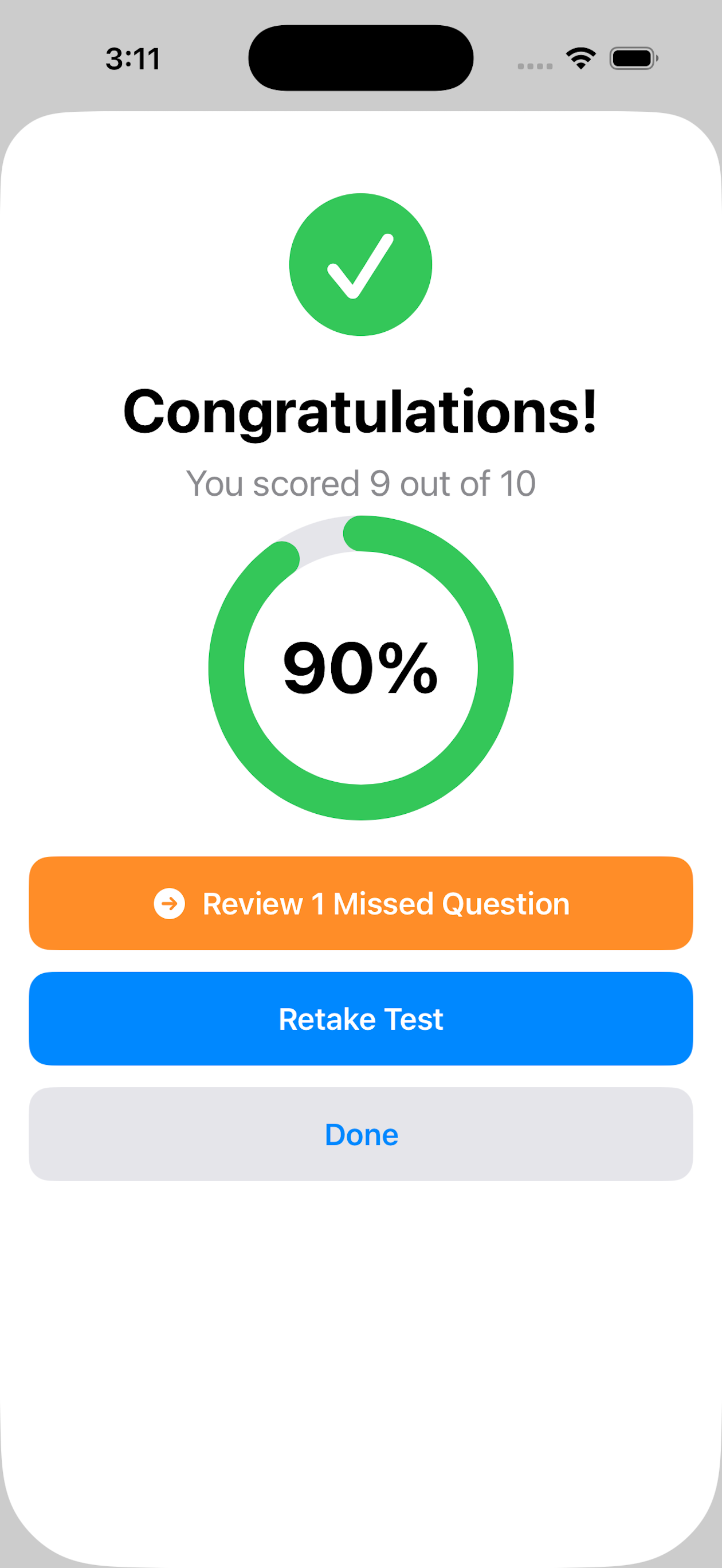
200 practice questions based on the WA Driver Guide.
Study road signs, rules of the road, safe driving practices, and more — everything covered on Washington's knowledge test. Our questions are written from the Washington Driver Guide so you're studying the right material. They're a study aid, not the actual exam questions, and they aren't provided or endorsed by the Department of Licensing.
Review missed questions, work at your own pace, and build real confidence before test day.
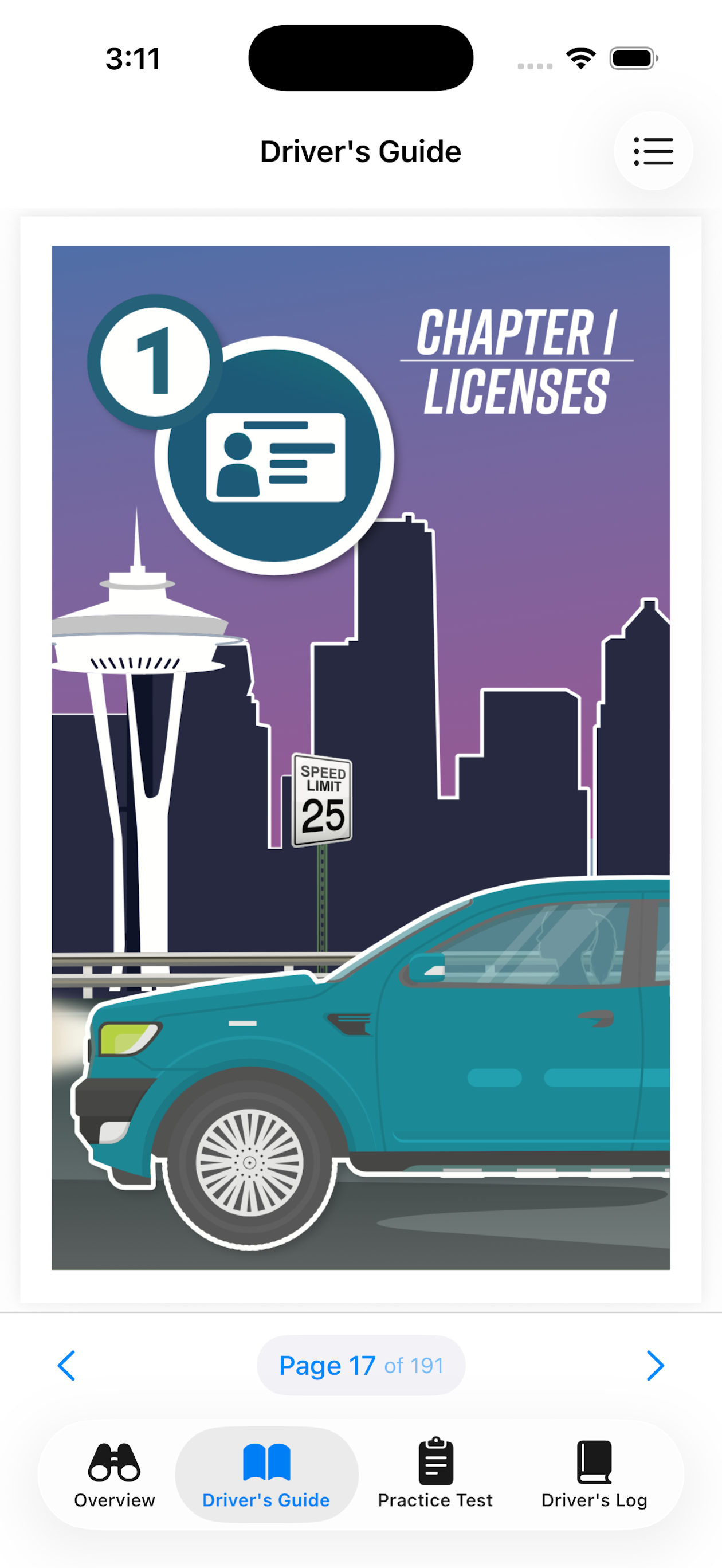
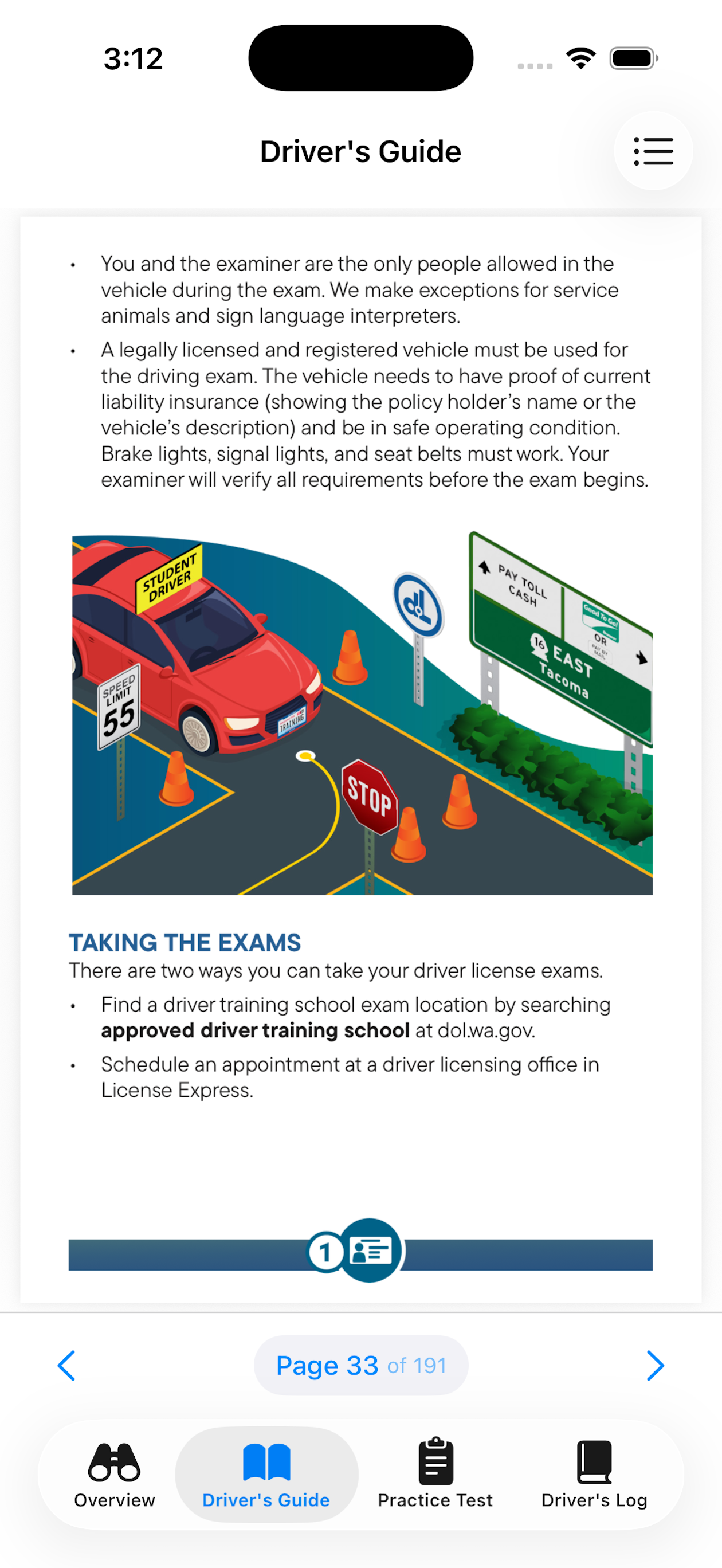
The whole Washington Driver Guide, built right in.
Read the complete Washington State Driver Guide inside the app — every chapter, beautifully illustrated and easy to flip through, from licenses and signs to safe-driving rules.
No more hunting for a PDF or a paper booklet. The same material the knowledge test is drawn from is always a tap away, so studying and logging drives live in one place.
Know exactly where you stand.
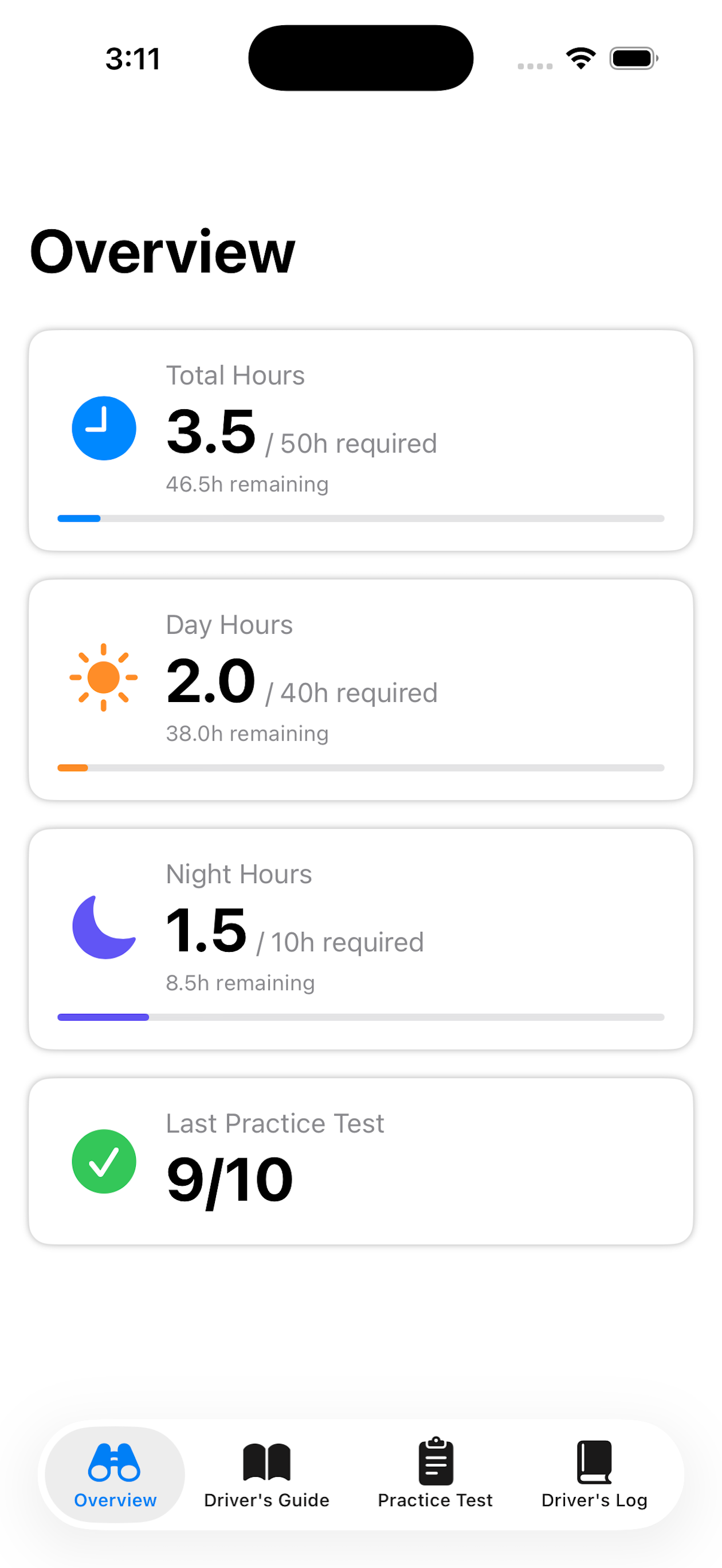
A clear visual breakdown shows hours logged vs. hours required at a glance. No more mental math or digging through a notebook.
The app guides you through the full process — from getting started to hitting your goal — so neither student nor parent ever feels lost.
Your progress, right on your home screen.
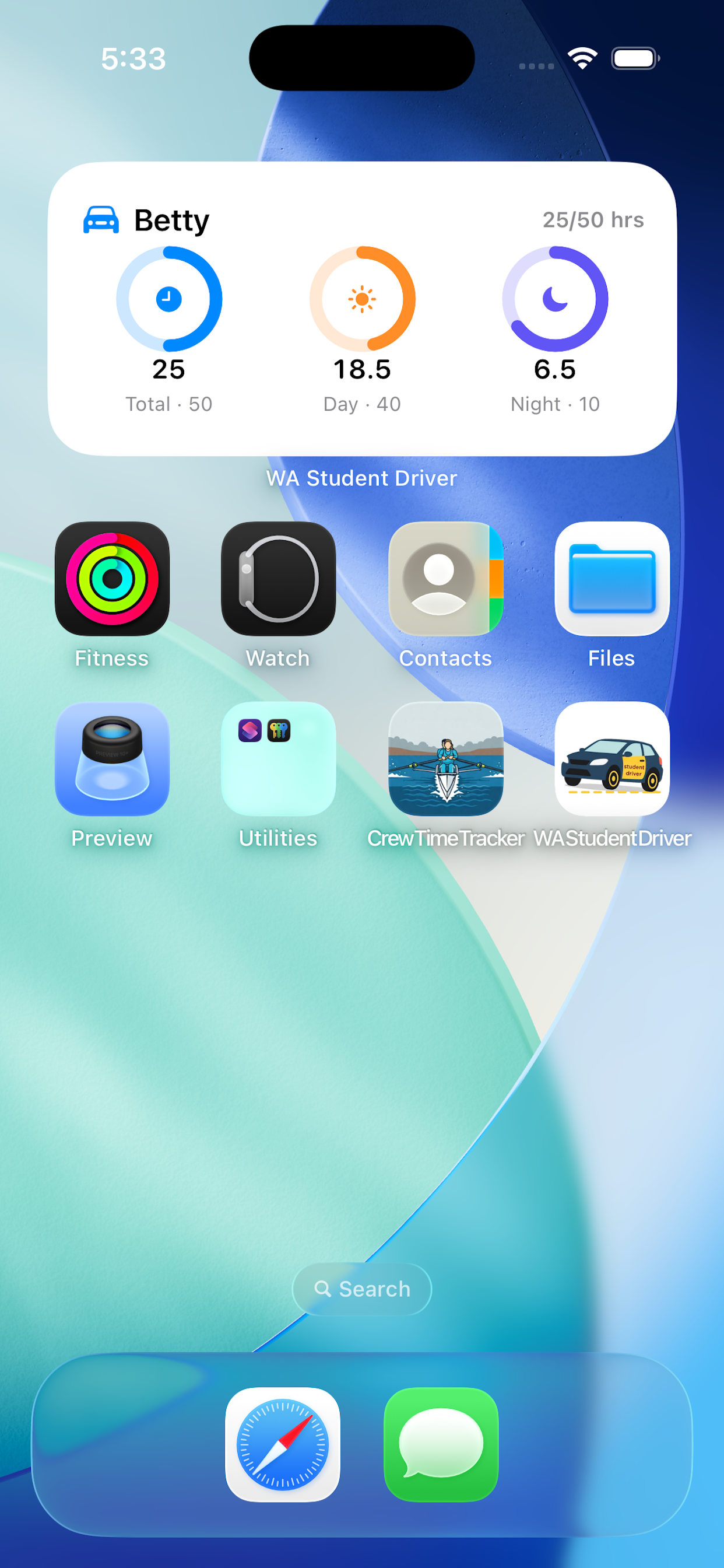
Add the WA Student Driver widget to your home screen and check your logged hours at a glance — total, daytime, and nighttime — without ever opening the app.
Three quick rings show exactly how close you are to Washington's required 40 daytime and 10 nighttime hours, updated every time you log a drive. Tracking more than one driver? Pin the widget to whichever driver you want to see.
You can even start and stop drives right from a Home Screen widget, Control Center, or Siri on iPhone — or a Quick Settings tile on Android — and, on iPhone only, keep your progress on the Lock Screen.
Start and stop drives from your wrist.
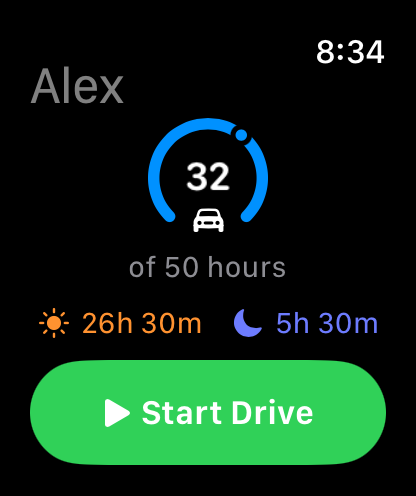
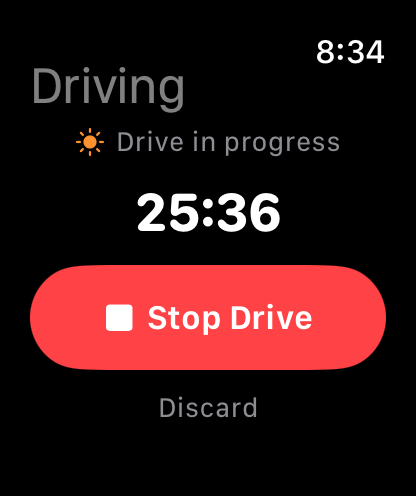
Hop in the car, tap Start Drive on your watch, and go. The timer runs right on your wrist and stays perfectly in sync with your phone — start on one device, stop on the other, and the session is logged automatically toward your hours, even if the phone was left behind.
Add a watch-face complication (Apple Watch) or chip (Wear OS) to begin a drive with a single tap and see your progress toward 50 hours at a glance.
Available on Apple Watch today. The Wear OS app arrives alongside the Android release — coming soon.
Track more than one driver — and share progress securely.
Got more than one teen working toward a license? Keep a separate profile for each driver, each with its own hours, drive log, and practice history.
Parents and teens can follow the same driver from their own devices: share a driver with a private identifier and PIN, and with Premium every logged drive stays in sync across phones. Turn on optional practice reminders per driver so no one loses momentum.